
Partner with Hire Chore and focus on your strengths.
*100% free, no-obligations consultation to determine your Ops blockers

Enter your info to receive the guide instantly.
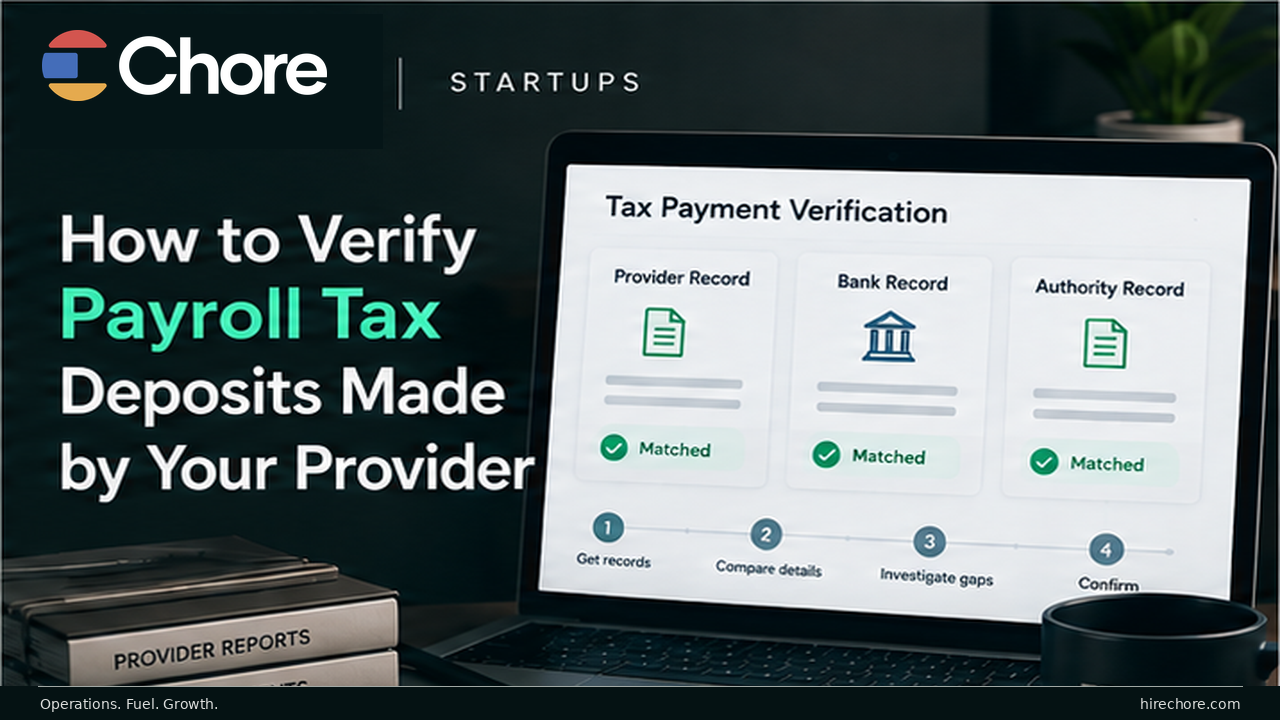
A payroll provider marking taxes as “paid” is not the same as independently proving the payment reached the correct tax authority and was applied to the right employer, tax type, period, and amount.
The verification job has three separate layers:
1. Expected liability: what the payroll run or tax-liability report says should be deposited.
2. Official payment evidence: what the IRS or relevant state/local authority shows was actually received or scheduled under the relevant account.
3. Return filing evidence: whether the related employment-tax return was filed and accepted.
Do not collapse those into one check. A deposit can exist without the return being filed correctly. A return can be filed while a deposit is missing. A provider dashboard can say “paid” while the employer still needs authority-level evidence.
Before checking anything, identify the third-party payer arrangement. That determines what you should expect to see and whose EIN or account is involved.
This is a high-risk operational procedure, not tax or legal advice. A qualified CPA, Enrolled Agent, tax attorney, or payroll-tax specialist should review consequential discrepancies, correction paths, duplicate-payment risk, or arrangement-specific conclusions before publication-ready use.
Step 1: identify the provider arrangement first
The IRS distinguishes among several third-party payer arrangements, including payroll service providers, reporting agents, Section 3504 agents, and Certified Professional Employer Organizations.
Those arrangements are not interchangeable.
For example, the IRS says a payroll service provider may prepare Forms 940 and 941 and make federal tax deposits using the client's EIN. A reporting agent generally operates under Form 8655 for authorized acts. Other arrangements can shift or share responsibility differently.
The IRS's current third-party arrangement guidance and third-party payer overview make the practical point clear: determine the arrangement before stating who is liable or what evidence should appear under the employer's EIN.
Record:
- payroll provider;
- legal entity;
- provider arrangement;
- EIN or payer account expected to hold the payment;
- applicable authorization form;
- tax types the provider handles;
- jurisdictions in scope; and
- who owns independent verification internally.
If you cannot identify the arrangement from your contract and authorization records, resolve that first.
Step 2: establish employer-controlled visibility
For ordinary payroll service provider and reporting-agent arrangements, IRS guidance says employers generally remain responsible for federal employment-tax obligations and should monitor what the provider is doing.
The IRS specifically recommends that employers keep their own address of record and enroll in EFTPS so they can independently verify payments made under their EIN. (IRS: Outsourcing payroll duties)
That means the provider should not be your only window into the tax account.
For federal deposits, establish the appropriate employer-controlled access to:
- EFTPS and/or the relevant IRS business-tax payment history;
- IRS correspondence sent to the employer's address of record;
- payroll tax-liability reports from the provider;
- provider payment confirmations; and
- filed-return acceptance records.
For state and local payroll taxes, use the relevant authority's current employer portal or official record. Do not assume EFTPS covers state or local obligations. It is a federal tax payment system.
Step 3: build the expected-obligation list
Do not start by browsing payment history randomly.
First list what you expect to find.
Use the provider's payroll and tax-liability reports, the company's payroll calendar, and the applicable filing/deposit profile to create one row per expected obligation.
At minimum, capture:
- legal entity;
- EIN or account;
- jurisdiction;
- tax form or tax type;
- tax period;
- liability amount from the provider's report;
- expected payment date or due date;
- provider reference; and
- the source that establishes the due date.
Do not casually recreate the tax calculation yourself just to “check the provider.” If the underlying liability calculation is in question, route that issue to a qualified payroll-tax reviewer.
The purpose of this step is to define what should exist, not to create a parallel tax engine.
Step 4: match each federal payment to official evidence
For federal tax deposits made through EFTPS, verify the payment using the fields that identify the transaction.
The current IRS EFTPS material and Publication 4990 use fields such as:
- taxpayer identification number;
- tax form;
- payment type;
- tax period;
- payment amount;
- payment date; and
- acknowledgment or confirmation number.
The current IRS EFTPS overview says EFTPS provides email tracking, immediate acknowledgment, and access to 15 months of payment history.
Older IRS material, including Publication 4990, has referred to 16 months. Because the live IRS sources are not perfectly aligned, the safe operating rule is not to rely on the exact history window.
Treat EFTPS history as limited and export or retain confirmations regularly.
For each expected federal payment, match:
| Field | What to verify |
|---|---|
| Employer / EIN | Correct entity and taxpayer account |
| Tax form / type | Correct employment-tax obligation |
| Tax period | Correct quarter, month, or tax period |
| Liability amount | Matches the expected obligation or has an explained variance |
| Payment amount | Correct amount actually submitted |
| Payment / settlement date | Consistent with the obligation and applicable timing |
| Status | Scheduled / processed / completed / other current system state |
| Acknowledgment | Confirmation number or equivalent authority record |
| Evidence location | Saved outside the provider dashboard |
If any field is wrong, treat the row as an exception.
Step 5: do not confuse provider funding with government payment
Several records can look persuasive while proving different things.
Provider dashboard status
Shows what the provider's system says it did.
Useful, but not independent authority evidence.
Employer bank withdrawal
Shows money left the company's account or was transferred to the provider.
It does not necessarily prove the tax authority received and correctly applied the payment.
EFTPS or agency payment record
Shows government-facing payment evidence associated with the relevant account.
This is the evidence layer you are trying to obtain for federal deposits.
Filed return / acceptance
Shows whether the associated return was filed or accepted.
That is a different obligation.
The IRS's current depositing and reporting guidance treats depositing taxes and reporting them on employment-tax returns as separate requirements.
So the control should be:
liability → payment → filing
not simply:
provider says done → done
Step 6: verify return filing separately
After verifying the deposits, check the related return separately.
Depending on the obligation, that may include Forms such as:
- Form 941;
- Form 940;
- another employment-tax return; or
- a state/local payroll-tax return.
The exact filing depends on the employer and tax type.
Record:
- form;
- tax period;
- filing owner;
- filed date;
- acceptance evidence;
- reported liability;
- related deposit total;
- unexplained variance; and
- any correction or amendment status.
The objective is to prove that the payment evidence and filing evidence tell a coherent story.
Do not assume that seeing a tax payment in EFTPS means the corresponding return was filed correctly.
Step 7: verify state and local payments in the correct system
There is no single nationwide equivalent of EFTPS for every state and local payroll-tax obligation.
For each nonfederal item:
- identify the tax authority;
- identify the employer account number;
- use the authority's current employer portal or official record;
- match the liability to payment evidence;
- retain the confirmation;
- record the filing status separately; and
- document any portal limitations.
Do not copy instructions from one state's portal and present them as universal.
If the startup operates in multiple jurisdictions, the verification log should contain a separate row for each tax authority and obligation.
Step 8: classify discrepancies rather than “fixing” them immediately
Use explicit exception states:
- NOT FOUND: expected payment does not appear.
- PENDING: payment exists but has not reached a final status.
- RETURNED / CANCELED: payment was rejected, returned, or canceled.
- WRONG AMOUNT: official amount differs from expected liability.
- WRONG PERIOD: payment was applied to the wrong tax period.
- WRONG FORM / TAX TYPE: payment was associated with the wrong obligation.
- WRONG EIN / ACCOUNT: payment appears under the wrong entity or account.
- LATE: payment appears after the applicable required date.
- DUPLICATE: more than one payment may exist for the same obligation.
- RETURN NOT ACCEPTED: payment evidence exists but filing evidence is missing or rejected.
- PORTAL UNAVAILABLE: independent verification cannot currently be completed.
Every exception should have:
- owner;
- evidence;
- provider case number;
- qualified reviewer where needed;
- next action;
- due date;
- agency contact or case reference if applicable; and
- resolved date.
Step 9: do not make a duplicate payment before the discrepancy is understood
A missing payment is urgent.
It is not a reason to blindly pay the same liability again.
Before initiating a corrective or duplicate payment, confirm:
- whether the original payment actually settled;
- whether it was applied to the wrong period, form, or account;
- whether the provider can supply a trace or acknowledgment;
- what the agency account shows;
- whether a return or account mismatch is causing the appearance;
- what remedy the relevant authority requires; and
- whether a qualified payroll-tax professional should direct the correction.
A duplicate payroll-tax payment can create a second reconciliation problem rather than solving the first.
If an agency notice has already arrived, stop using this as a preventive verification exercise and move into the payroll tax notice response workflow. The notice itself, its deadline, and its specific instructions now control the response.
Step 10: retain evidence outside short portal windows
Do not treat the authority portal as your permanent evidence archive.
Save:
- payment confirmations;
- acknowledgment numbers;
- payment-history exports;
- provider liability reports;
- filed-return acceptance evidence;
- relevant bank evidence;
- agency account records; and
- discrepancy-resolution evidence.
Name the files so another person can understand them later.
For example:
2026-Q2_Form941_EFTPS_Confirmation_ExampleCo_2026-07-15.pdf
The goal is not file-name perfection. It is to make the evidence usable when:
- a notice arrives months later;
- the payroll provider changes;
- the person who handled payroll leaves;
- a quarter-end or year-end reconciliation fails; or
- a CPA or tax adviser needs to reconstruct what happened.
A usable Payroll Tax Deposit Verification Log
Use one row for every expected payroll-tax obligation.
| Field | What to record |
|---|---|
| Employer / entity | Legal employer |
| Provider | Payroll / tax provider |
| Arrangement | PSP / reporting agent / §3504 agent / CPEO / other |
| EIN / account | Account under which evidence is expected |
| Jurisdiction / agency | IRS or state/local authority |
| Form / tax type | 941 / 940 / withholding / unemployment / other |
| Tax period | Applicable period |
| Liability source | Provider report / reviewed schedule |
| Expected liability | Amount expected |
| Due date | From current authoritative source |
| Provider reference | Provider transaction / confirmation |
| Official portal status | Authority-side status |
| Official payment amount | Amount shown by authority |
| Payment / settlement date | Authority-side date |
| Acknowledgment | EFTPS / authority confirmation |
| Filing status | Filed / accepted / open / N/A |
| Variance | Amount / period / account / status difference |
| Evidence link | Saved confirmation |
| Owner | Person resolving the row |
| Escalation status | Provider / adviser / agency |
| Resolved date | When evidence is complete |
The log creates a durable answer to one question:
Can the company independently prove what happened to each expected payroll-tax obligation?
Decision tree
Do you know the third-party payer arrangement?
- No: confirm the contract and authorization structure first.
- Yes: continue.
Do you have employer-controlled access to official payment evidence?
- No: establish access or obtain authority-level evidence through the appropriate official route.
- Yes: continue.
Does the provider liability match official payment evidence?
- Yes: preserve confirmation and verify the return separately.
- No: classify the discrepancy.
Is the discrepancy simply pending or a portal-access problem?
- Yes: document the status and follow up before concluding payment failed.
- No: continue.
Is the payment absent, returned, late, misapplied, duplicated, or under the wrong account?
- Yes: escalate to the provider and qualified payroll-tax owner and use the authority's official procedure.
- No: document what explains the difference.
Has an agency notice already been issued?
- Yes: move to the notice-response process and protect that deadline.
- No: continue the verification and resolution workflow.
Are you considering an additional or corrective payment?
- Yes: confirm the account, original payment status, remedy, and qualified guidance first.
- No: continue tracking until official evidence is complete.
Make verification recurring
Do not wait for a notice.
Assign an owner to:
- review expected payroll-tax liabilities;
- verify official deposits;
- export confirmations;
- check filing acceptance separately;
- investigate exceptions;
- retain evidence; and
- escalate unresolved differences.
The exact cadence should reflect payroll frequency, deposit schedule, risk, and staffing.
The important part is independent visibility.
The IRS itself recommends that employers using payroll providers enroll in EFTPS and periodically verify payments made on their behalf. (IRS: Outsourcing payroll duties)
Where Chore fits
This page should not imply that Chore independently monitors EFTPS or state tax portals, guarantees deposits, corrects misapplied payments, represents employers before tax agencies, or provides payroll-tax advice unless those capabilities are separately verified.
The safe commercial posture is narrower:
- use Chore's payroll-tax deadline guidance for current schedule context;
- use qualified tax professionals for consequential discrepancy and correction decisions; and
- use the verification log regardless of which payroll provider or operations partner the startup uses.
The core rule is provider-neutral:
Do not rely on “paid” as a status. Match the expected liability to official payment evidence, verify the filing separately, preserve the proof, and escalate every unexplained difference.

The Chore team consists of individuals from diverse backgrounds with a passion for learning and a desire to share knowledge.
Chore's content, held to rigorous standards, is for informational purposes only. Please consult a professional for specific advice in legal, accounting, or other expert areas.